 How-to
7 Mounting Solutions for Sports Bar TVs That Work
Last Updated: November 16, 2026
Quick Summary
The best sports bar TV mounts are a mix of fixed, tilting, full-motion, corner, and ceiling brackets chosen by sightline, not by bracket alone. Match each sports bar TV mounts pick to screen weight, VESA pattern, worst-seat viewing angle, and the structure behind the wall.
- Mount screen centers roughly 42 to 60 inches from the finished floor, depending on seat height.
- A 55-inch screen works best from about 7 to 11 feet away.
- High placements need a downward tilt of 10 to 15 degrees to stay readable.
- Anchor into studs, blocking, or concrete, never drywall alone.
- Choose the control system before installation because it dictates cabling and receiver placement.
Table of Contents
- Start With the Sports Bar TV Layout, Not the Bracket
- Choosing a Commercial TV Wall Mount That Survives Game Night
- Planning a Multiple TV Setup for Sports Coverage
- Wiring It Together: Power, Cables, and Signal Distribution
- Pick a Sports Bar TV Control System Before You Drill
- Structural Safety, Code, and Installation Costs to Budget For
- Walk In and See the Screen Wall at Crowne Sports Bar & Grill
- Frequently Asked Questions
Start With the Sports Bar TV Layout, Not the Bracket
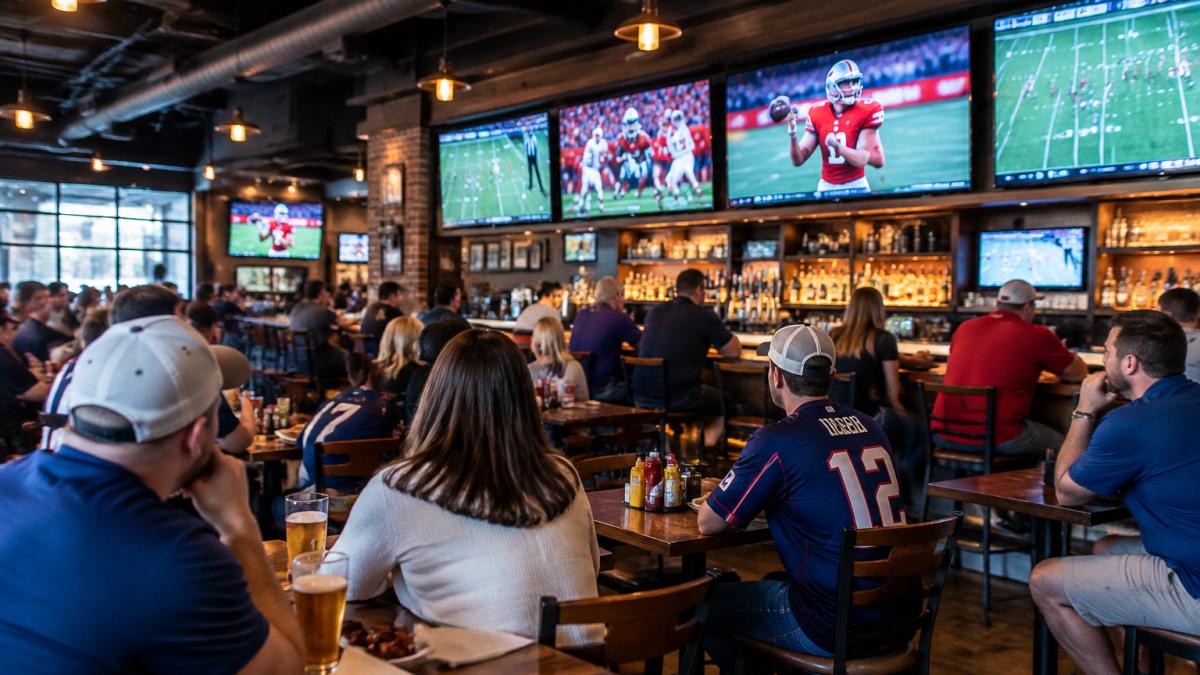
The best sports bar TV mounts start with sightlines, not shopping carts. A wall of expensive screens means nothing if the corner booth can't see the fourth quarter.
Choosing a Commercial TV Wall Mount That Survives Game Night
Sports bar TV mounts differ from consumer brackets in ways that matter after the hundredth game night. They carry higher load ratings, use heavier steel, and often include locking mechanisms that keep screens from drifting or being knocked out of alignment. Our sports bar feature checklist covers the broader must-haves that separate a great venue from an average one.
Planning a Multiple TV Setup for Sports Coverage
A multiple TV setup for sports lets one bar show several games at once, and that flexibility is what keeps fans in seats. Keeping each screen aligned and securely supported also means accounting for the wall behind the array, since All Around Technologies LLC notes that metal studs call for a different mounting approach.
Wiring It Together: Power, Cables, and Signal Distribution
Cable management and power access decide whether a screen wall looks clean or chaotic. Run power and signal to each screen location before mounting, and use in-wall conduit or raceways to hide cables. For signal distribution, an HDMI distribution system or AV over IP setup sends one source to many screens, while a matrix system lets you route any source to any display.
Pick a Sports Bar TV Control System Before You Drill
A sports bar TV control system is the hardware and software that lets staff change channels, adjust volume, and route sources across every screen from one place. Choose it before installation, because the control system dictates cabling and receiver placement. Look for a system that supports synchronized displays, zone-based audio, and remote source selection.
Structural Safety, Code, and Installation Costs to Budget For
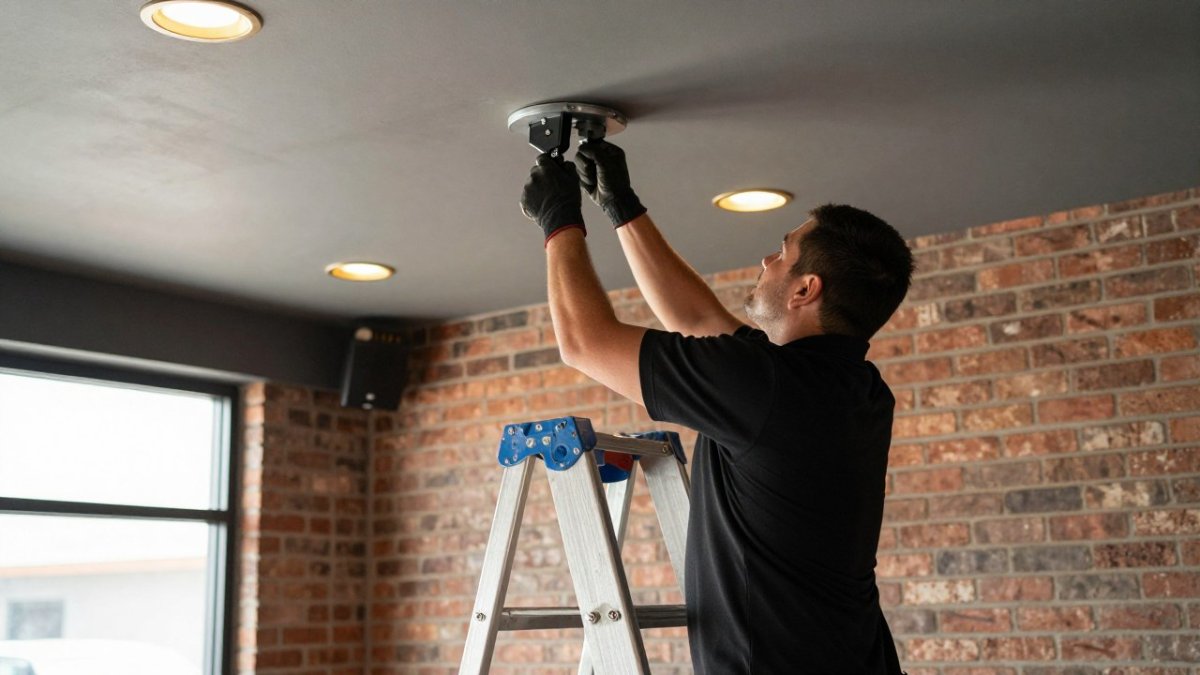
Structural support is non-negotiable. A wall of screens is a suspended load above paying customers, and the failure mode is not a cracked bracket but a bracket that pulls out of drywall on a busy Saturday. Treat the structure, the fasteners, and the inspection sequence as one system.
Assess the structure before you buy the mount
Confirm that walls or ceilings can carry the combined weight of mount, screen, and hardware, and anchor into studs, blocking, or concrete, never drywall alone. Wood studs, steel studs, masonry, and concrete each require different fasteners, and the mount's hardware kit may not include the right ones for your wall. A common pattern is to add blocking or a plywood backer behind the screen wall during build-out so future mounts have solid attachment points.
Fasteners and attachment
Lag bolts into wood studs, toggle bolts or heavy-duty anchors into hollow walls with blocking, and wedge or sleeve anchors into concrete are the usual families.
Watch out: a mount installed into drywall with the included plastic anchors may hold a small residential TV but is not a safe attachment for a commercial display above a crowd.
Code, egress, and overhead hazards
Follow local building and electrical codes for power runs and mounting heights, and check OSHA guidance on workplace safety for overhead hazards in commercial spaces. Screens and mounts must not intrude into egress paths or reduce required head clearance, and any penetration of a fire-rated wall or ceiling needs a listed firestop assembly to preserve the rating.
Installation cost factors to budget for
Mount prices vary widely by type and load rating, and the installed cost is driven by labor, structure, and cabling as much as by the bracket. Budget for these line items separately so a quote can be compared apples to apples:
- Mounts and hardware, priced per screen and scaled by mount type
- Structural work such as blocking, backers, or reinforcement
- Labor, including lift or scaffold rental for high placements
Get a licensed installer's quote before you commit, and factor in lifecycle costs like replacement brackets, re-torquing fasteners, and access equipment for high placements. A mount that is cheap to buy but expensive to service is not the cheaper option over the life of the bar.
A pre-installation safety checklist
- Verify the substrate and choose fasteners rated for it.
- Confirm the mount's load rating exceeds the screen weight with margin.
- Check that the screen and mount stay out of egress paths and head-clearance zones.
- Firestop any penetration of a rated assembly.
- Route power and signal before hanging the screen.
- Re-check torque and locking hardware after the first week of operation.
OSHA guidance on workplace safety
Walk In and See the Screen Wall at Crowne Sports Bar & Grill
Reading about mounting solutions only goes so far. Visit Crowne Sports Bar & Grill on Jimmy Carter Blvd to see how a real screen wall handles a packed house, and check the game day schedule before you plan your visit.
Game day crowds expose every weak mount and blocked sightline. If you want a venue where the screens actually work, Crowne Sports Bar & Grill is built for it: big-screen game days, late-night eats, and happy hour specials that keep the party going.
Frequently Asked Questions
How high should a TV be mounted in a sports bar?
Aim for the bottom edge of the screen to sit roughly 42 to 48 inches above the finished floor in seated areas, which keeps the viewing angle comfortable without forcing necks upward. Overhead and ceiling-mounted screens above the bar or high-top tables can go higher, but tilt them downward so the screen faces the seats. Walk the room with a tape measure before drilling: if a standing guest has to crane back to see the scoreboard, the mount is too high.
How far apart should screens be in a multiple TV setup for sports?
Leave at least 6 to 12 inches of gap between adjacent screens so each display reads as its own picture and the brackets have room for tilt or swivel. Keep the gap consistent across the whole row; uneven spacing makes a screen array look cluttered and distracts from the action. If you plan to expand later, size the gap and the wall space for one more screen so the layout still lines up when you add it.
Are ceiling mounts safe for commercial TVs?
Ceiling mounts are safe when the ceiling structure, not just the drywall, carries the load. A commercial TV wall mount or ceiling bracket should be rated well above the combined weight of the display and hardware, and the mount must anchor into joists, blocking, or a rated ceiling plate. Have a structural check done before installation, use the manufacturer's specified fasteners, and re-tighten hardware on a set schedule. Overhead mounting also means planning power and cable drops from above.
How can a sports bar hide TV cables and power cords?
Plan cable management at the same time as the mount, not after. In-wall rated power and signal cables, recessed media boxes behind each screen, and conduit runs back to a central rack keep cords out of sight and out of reach. For a commercial TV wall mount, choose a bracket with a channel or standoff depth that lets cables pass behind the display. Group signal distribution and video switching equipment in one closet so only one clean run reaches each screen.