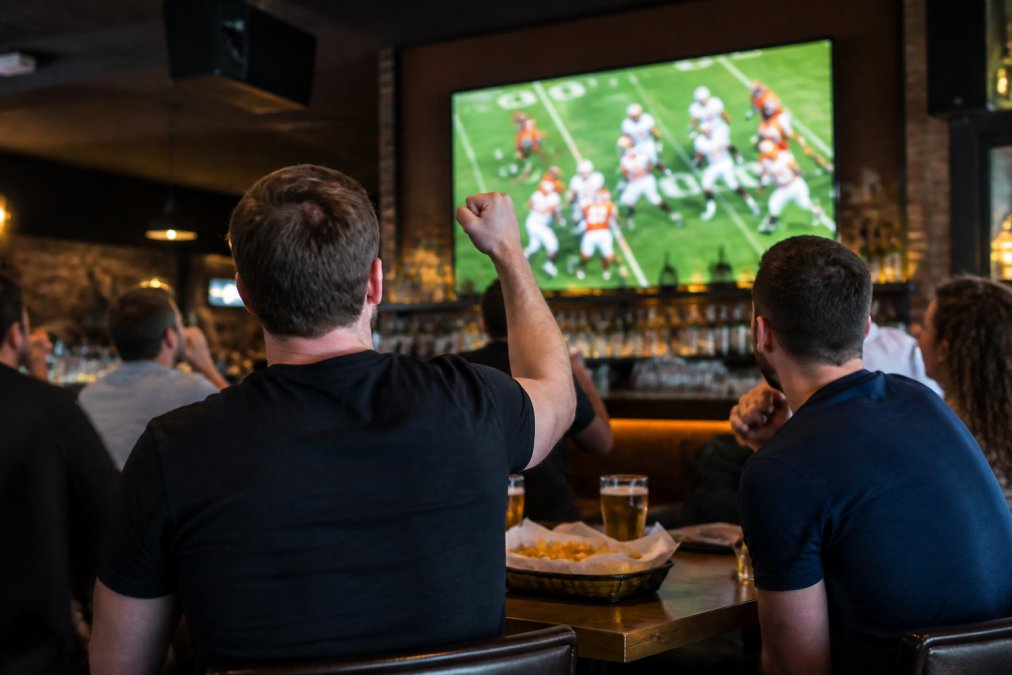
 how-to
How to Find Sports Bars With Audio: A 2026 Guide
Table of Contents
- Step 1: Use Apps and GPS to Find Sports Bars With Audio
- Step 2: Apps to Listen to Sports Bar Audio on Your Phone
- Step 3: What to Look for in a Sports Bar for Game Day
- Step 4: How to Confirm the Audio Policy Before You Go
- Step 5: Sports Bar Etiquette for Game Day and Asking for Audio
- Step 6: How to Hear the Game in a Crowded Bar
- Frequently Asked Questions
Last Updated: September 19, 2026
Step 1: Use Apps and GPS to Find Sports Bars With Audio
Finding sports bars with audio that actually works starts with your phone, not your car. Location apps and venue finders let you filter by what matters on game day: screens, sound, and space.
Using Location Services and Venue Discovery Apps
Search "sports bar near me" in a maps app, then read the reviews with one filter in mind: game day. Look for photos of packed rooms and mentions of sound. A reviewer who writes "couldn't hear the announcers" is telling you something a menu photo never will.
A few search habits that save time:
- Filter reviews by "newest" before a big game
- Search the bar's name plus "watch party" or "game day"
- Check recent photos for screen size and count
- Save two backup spots within a short drive
Step 2: Apps to Listen to Sports Bar Audio on Your Phone
A bar with the volume off isn't a dead end anymore. Audio streaming apps let you pull the broadcast to your own phone and earbuds, but only if the venue is set up to feed it, and only if you have the right app installed before you walk in.
- Venue-hosted Wi-Fi streams. Some bars run their own local audio feed over their network. You connect to the bar's Wi-Fi, open a URL or app the venue provides, and pick the channel that matches the screen you're watching. Because the stream originates inside the building, latency is usually small, often under a second, but it depends entirely on the venue's network and whether they've enabled it that day.
- Broadcaster and league apps. The official apps from the major broadcasters and leagues carry the same commentary feed over cellular or Wi-Fi. These are reliable and available everywhere, but they run on the broadcast's own delay, which can trail the in-bar picture by several seconds.
Which App to Have Ready Before You Go
You can't download an app in a crowded bar on game day and expect it to work. Sort this out at home:
- Check the venue's website or social pages first. Bars that run their own audio feed usually post instructions, a network name, a QR code, or an app name. If you see none, assume the venue does not host a stream.
- Install the broadcaster's app for the game you're watching. Different networks carry different packages, so the app you need depends on which channel has the game. Install it and sign in before you leave.
- Test your earbuds and Bluetooth pairing at home. Pairing failures in a loud room are the single most common reason fans give up on the phone-audio approach.
- Confirm your data plan can handle a live stream. A full game of live audio is a steady, continuous draw, not a quick download. If you're on a limited plan, plan to use the venue's Wi-Fi instead.
The Latency Trade-Off, Explained
Live audio and live video rarely match to the second. Every step in the chain, the camera feed, the satellite or fiber path, the encoder, your phone's buffer, adds delay. Wireless transmission adds more. The result is a gap of a few seconds, and it can run either direction: you may hear a play before you see it, or see it before you hear it.
Here's how to manage it:
- Connect your earbuds before the game starts, not at kickoff
- Test the stream during pregame, when a mismatch is harmless
- Expect a small audio latency gap and settle in, you can't eliminate it
- Keep one earbud out if you're with a group so you can still talk
- If the gap bothers you, mute the phone and rely on the bar's own system instead
Step 3: What to Look for in a Sports Bar for Game Day
The right bar for game day hits three marks: enough screens, a sound system that reaches your seat, and space to actually sit down. Most guides stop there. The problem is that "enough screens" and "good sound" are things you can only judge once you're already inside, and by then you've committed to a seat, ordered a drink, and lost your backup options.
Verify Before You Go
A short call or a look at recent photos answers most of what a checklist can't:
- Ask which games get audio priority. A bar showing twelve games is usually piping audio to one or two. Find out which before you pick your seat.
- Ask whether audio is zoned. Some bars run sound to specific areas, a back room, a patio, a section near the main screen. If your group wants a quiet corner, ask whether that corner gets the broadcast.
- Check recent game-day photos. Look for screens that are actually on, a visible crowd, and sightlines from the seating, not just a wide shot of an empty room.
- Confirm the primary screen. Ask which screen carries the marquee game and whether it's visible from the tables, not just the bar rail.
Confirm in the First Five Minutes
Walk in and scan before you order. Count the screens, check the sightlines, and listen. If you can't hear the broadcast from the door, you won't hear it from a corner table either.
Use this checklist before you commit to a seat:
- Screens visible from most seats, not just the bar rail
- Volume on and loud enough to follow the call
- Audio reaching your specific section, not just the front of the room
- Seating that fits your group size
- A clear view of the primary game
- Staff who know which game is on which screen
The Signals That Actually Predict Good Audio
Big screens matter, but placement matters more. A wall of TVs with the sound off is decoration. A single well-placed screen with the volume up beats it every time.
- Speakers near the seating, not just over the bar. If the only speakers are behind the bar, the sound dies before it reaches the tables.
- A staff member who can name the channel. If your server can tell you which network the game is on without checking, the bar runs game day with a plan.
- A visible audio source. A soundbar or receiver near the main screen tells you the venue can switch audio per screen. A single house stereo tells you it can't.
- Zoned volume. If the bar can lower music in one area without killing the broadcast in another, you've found a venue that understands game day.
Step 4: How to Confirm the Audio Policy Before You Go
A quick script you can use:
"Hi, I'm planning to come in for the [team] game on [date]. Will you have the audio on for that broadcast? Can you hold a table for [number] people, and is there a screen near it?"
Call between 2 and 4 p.m. on a weekday. You'll reach a manager who knows the game-day setup, not a bartender mid-rush who has to guess.
Step 5: Sports Bar Etiquette for Game Day and Asking for Audio
Sports bar etiquette for game day comes down to one rule: ask early, ask nicely, and don't demand. Staff are managing a room full of fans who all want something different.
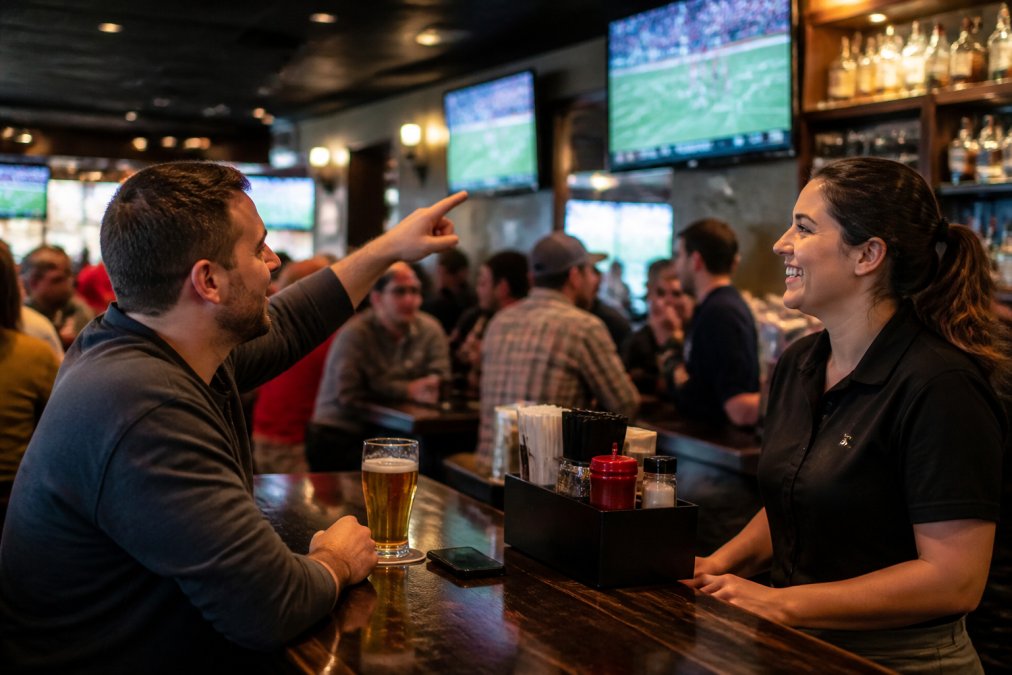
- Ask a manager, not a server mid-order
- Name your game and your section clearly
- Accept "we can't switch it" without a fight
- Tip well if they make it happen
- Arrive early if your game is the undercard
Step 6: How to Hear the Game in a Crowded Bar
Hearing the game in a crowded bar takes planning, not luck. Crowd noise, music, and overlapping broadcasts all fight for the same air.
For a loud room, these help:
- Pick a seat near a speaker or the primary screen
- Use earbuds with your own audio stream as backup
- Arrive before the crowd peaks
- Ask about quieter sections or patios with a screen
Frequently Asked Questions
How can I tell if a sports bar will have the game audio on?
Call ahead and ask directly if they will have the sound on for the specific game you want to watch. You can also check their social media pages, as many bars post about game-day audio plans. When you arrive, look for speakers near the screens showing your game and listen for the broadcast commentary. If the audio is off, politely ask a staff member if they can turn it on for your section.
Are there apps that let me listen to sports bar audio on my phone?
Yes, some apps stream live game audio directly to your phone. You can use these apps to listen to the broadcast while at a bar, especially if the venue's sound system is focused on a different game. This is a great backup option for crowded bars where you cannot hear the TV. Just make sure your phone is charged and you have headphones if you want to avoid disturbing others.
What is the best way to confirm a venue's game-day audio policy?
The most reliable way is to call the bar on the day of the game and ask if they will have the audio on for your specific matchup. You can also check their website or social media for game-day announcements. Some bars post their audio plans for major games. If you are planning a group event, call ahead and speak to a manager to confirm they can accommodate your audio needs.
Can I request the game audio at a local sports bar?
Absolutely. Most sports bars are happy to turn on the audio for a game if you ask politely. Approach a staff member during a quiet moment, explain which game you want to hear, and point to the nearest screen. If the bar is packed, they may not be able to isolate one game's audio, but they will often do their best. Tipping well and being courteous goes a long way.
Finding a bar with the game on is easy. Finding one with the audio up, the screens placed right, and a seat that works for your group takes a little homework. That's the gap Crowne Sports Bar & Grill was built to close, with big-screen game days on Jimmy Carter Blvd, late-night eats when the game runs long, a lively happy hour, and delivery when you'd rather watch from the couch. Get started with Crowne Sports Bar & Grill and make your next game day one you can actually hear.